0. The AWS and the web console
- Creating an account
In order to use AWS you will need to create an account. And in order to create instances and the other services used in this workshop you, will need to associate a credit card with the account. For the purposes of this workshop we will provide you with pre-existing AWS accounts, but you will need to create your own accounts for any future use.
- Logging into the AWS console
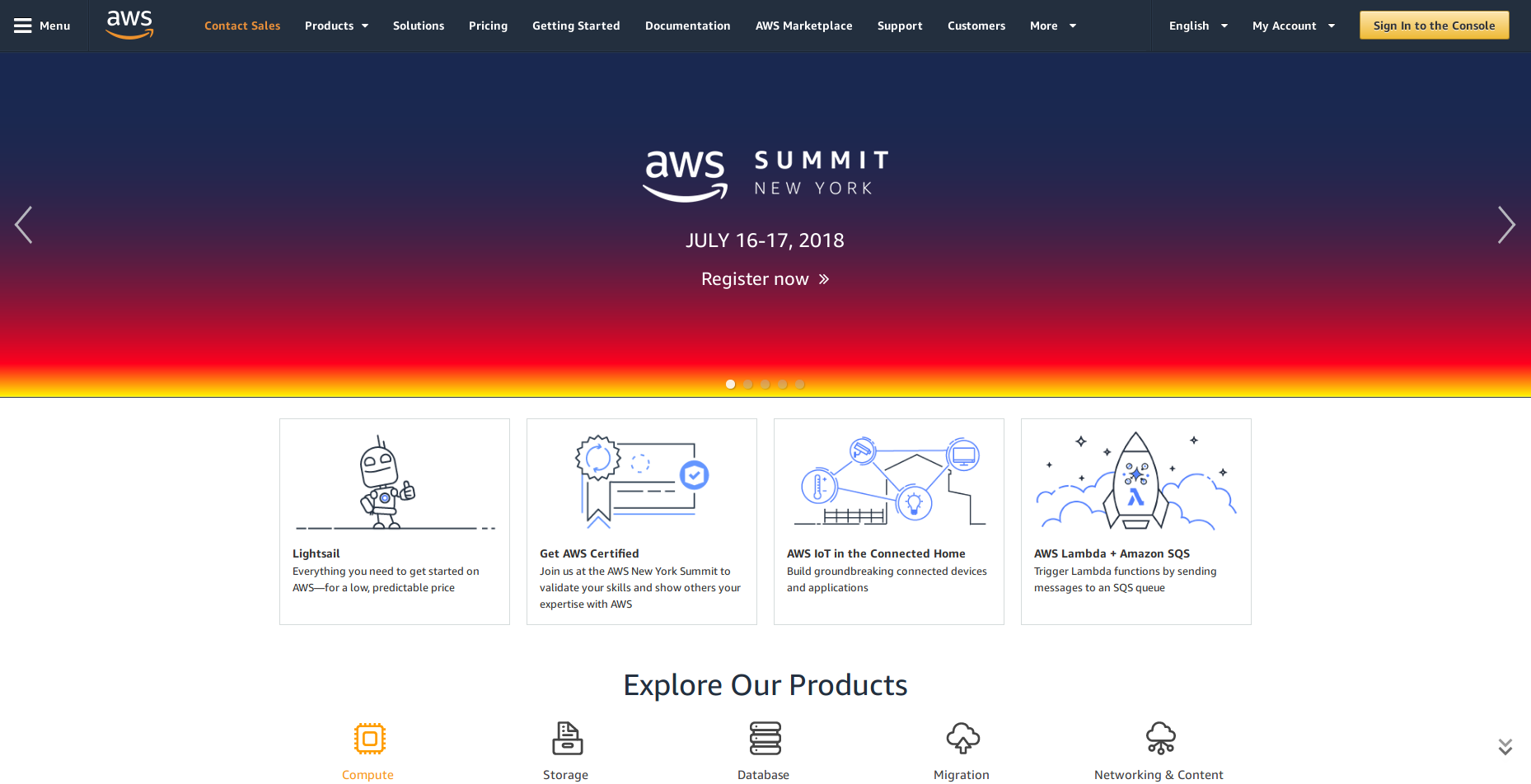
To log into AWS, go to aws.amazon.com and hit the Sign in to the Console button as shown below.
- AWS regions
An AWS Region is a physical warehouse of servers (data centers) and other computer hardware that Amazon maintains.
At any point in time you are can only operate in one region.
After logging in, the current region is shown in the upper right corner of the console.
Regions are important for several reasons:
- When you launch a service like an
EC2instance, it will be confined to the region you launched it in. If you switch regions later, you will not see this instance. - The cost of usage for many AWS resources varies by region.
- Since different regions are located in different parts of the world, your choice of region might add significant networking overhead to the performance of your application.
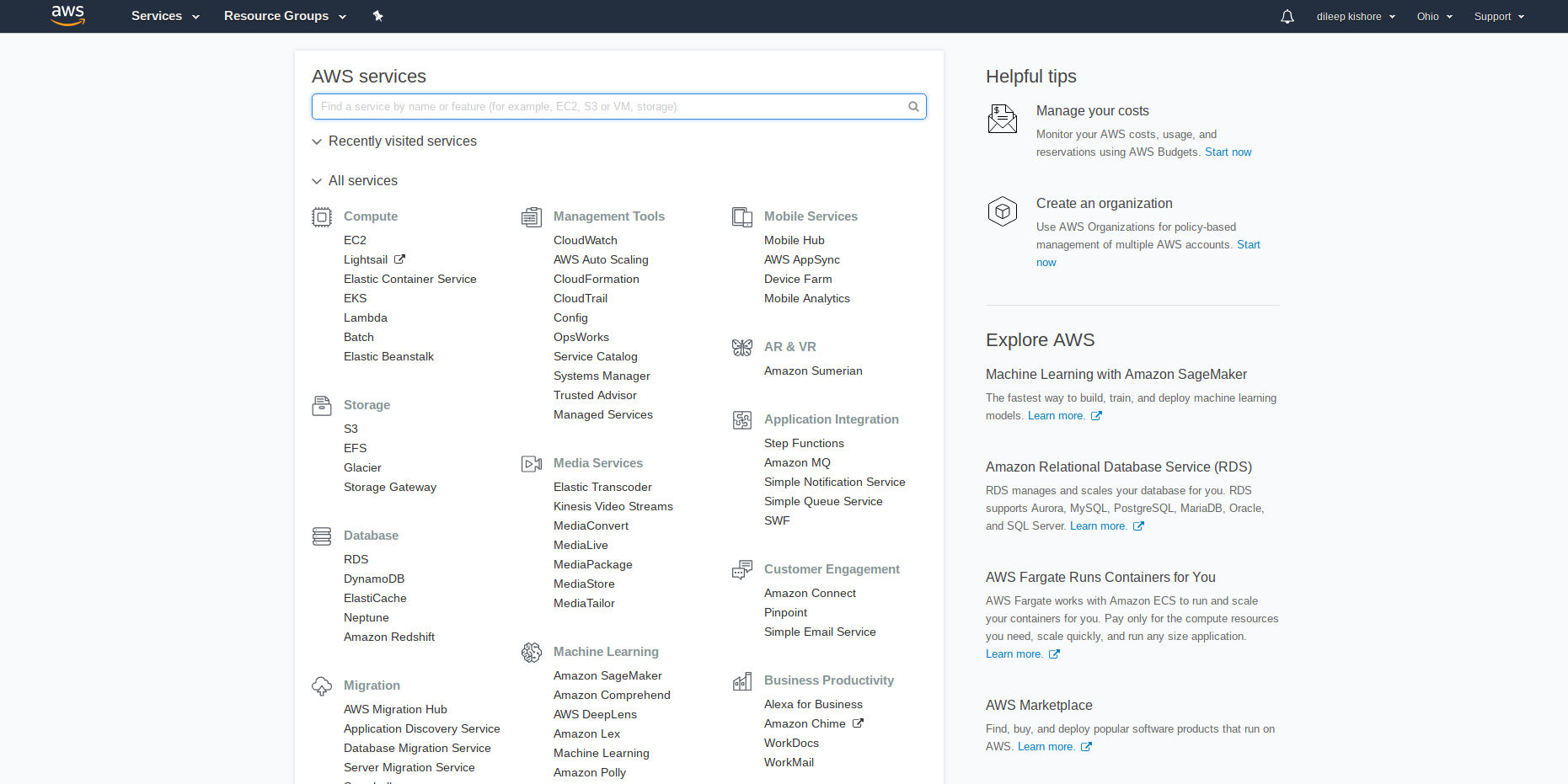
At the time of writing the following AWS regions exist:
| Region Name | Region | Endpoint | protocol |
|---|---|---|---|
| US East (Ohio) | us-east-2 | rds.us-east-2.amazonaws.com | HTTPS |
| US East (N. Virginia) | us-east-1 | rds.us-east-1.amazonaws.com | HTTPS |
| US West (N. California) | us-west-1 | rds.us-west-1.amazonaws.com | HTTPS |
| US West (Oregon) | us-west-2 | rds.us-west-2.amazonaws.com | HTTPS |
| Asia Pacific (Tokyo) | ap-northeast-1 | rds.ap-northeast-1.amazonaws.com | HTTPS |
| Asia Pacific (Seoul) | ap-northeast-2 | rds.ap-northeast-2.amazonaws.com | HTTPS |
| Asia Pacific (Osaka-Local) | ap-northeast-3 | rds.ap-northeast-3.amazonaws.com | HTTPS |
| Asia Pacific (Mumbai) | ap-south-1 | rds.ap-south-1.amazonaws.com | HTTPS |
| Asia Pacific (Singapore) | ap-southeast-1 | rds.ap-southeast-1.amazonaws.com | HTTPS |
| Asia Pacific (Sydney) | ap-southeast-2 | rds.ap-southeast-2.amazonaws.com | HTTPS |
| Canada (Central) | ca-central-1 | rds.ca-central-1.amazonaws.com | HTTPS |
| China (Beijing) | cn-north-1 | rds.cn-north-1.amazonaws.com.cn | HTTPS |
| China (Ningxia) | cn-northwest-1 | rds.cn-northwest-1.amazonaws.com.cn | HTTPS |
| EU (Frankfurt) | eu-central-1 | rds.eu-central-1.amazonaws.com | HTTPS |
| EU (Ireland) | eu-west-1 | rds.eu-west-1.amazonaws.com | HTTPS |
| EU (London) | eu-west-2 | rds.eu-west-2.amazonaws.com | HTTPS |
| EU (Paris) | eu-west-3 | rds.eu-west-3.amazonaws.com | HTTPS |
| South America (S�o Paulo) | sa-east-1 | rds.sa-east-1.amazonaws.com | HTTPS |
VPC: Virtual private cloud. Your private section of AWS, where you can place AWS resources, and allow/restrict access to them.